
Handle Incoming Calls While Already Connected
Call Waiting in Rio Rancho for businesses managing multiple client calls and time-sensitive communications
Calls arrive while your line is already in use, and without call waiting, those incoming attempts reach voicemail or busy signals. The service alerts you to waiting calls through an audible tone, displays caller information if enhanced ID is enabled, and allows you to place the current call on hold while answering the new one. Businesses handling client inquiries, vendor coordination, and internal communications rely on this to avoid missing urgent calls during active conversations.
Call waiting integrates into VoIP business phone systems, monitoring your line status and interrupting active calls with a notification tone when another caller attempts to connect. You control whether to continue the current conversation, switch to the incoming call, or ignore the alert and let the new caller proceed to voicemail.
Arrange a consultation to configure call waiting settings based on your team's typical call patterns..
How Call Waiting Addresses Communication Gaps
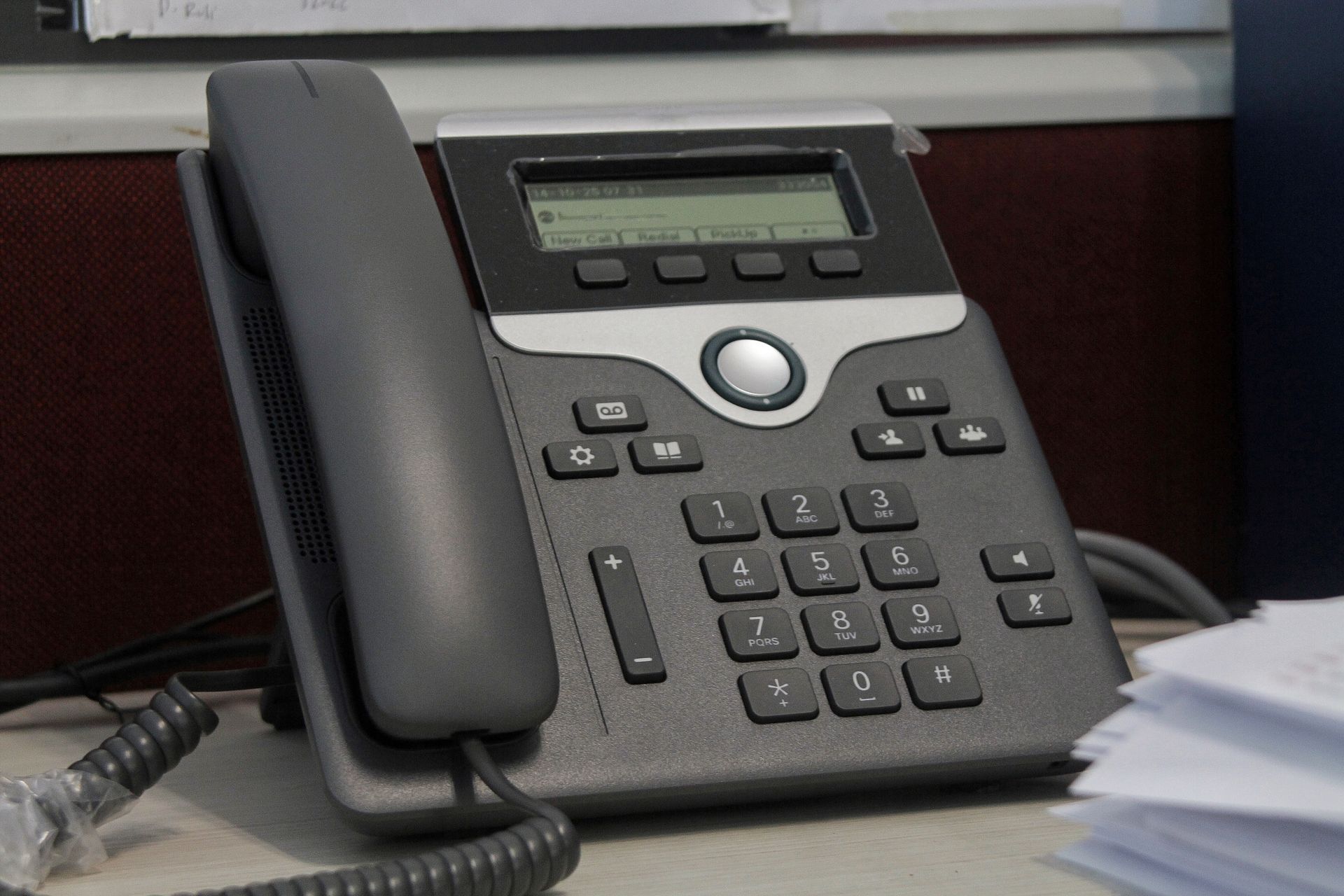
The system monitors each line extension and detects incoming call attempts during active conversations. When a second caller dials your number, the platform generates an alert tone audible to the current call participant, then displays caller information on your handset or desktop application. You switch between calls using a hold function that pauses one conversation while connecting to the other.
Your team stops losing calls to voicemail during long conversations and gains control over which calls require immediate attention. Staff members handle vendor callbacks while remaining available for customer inquiries, reducing missed connection attempts that would otherwise require follow-up and callback scheduling. This becomes particularly useful during project coordination phases when multiple parties require updates within tight timeframes.
Call waiting works across VoIP handsets, softphones, and mobile applications connected to your business system. Some organizations disable the feature on specific extensions where uninterrupted conversations are critical, such as support lines handling technical troubleshooting or sales calls requiring full attention.
Answers to Frequent Service Questions
Managing multiple incoming calls depends on how your business handles communication flow and whether interruptions improve or hinder productivity. These questions cover practical considerations for implementing call waiting.
What does the other person hear when I switch to a waiting call?
The current caller hears hold music or a brief silence while you answer the incoming call, and you can switch back to resume the conversation without disconnecting either party.
Can I see who's calling before deciding to answer?
If your system includes Enhanced Caller ID, the waiting call notification displays caller information, allowing you to decide whether to interrupt the current conversation based on who's attempting to connect.
How does this work for businesses in Rio Rancho with multiple staff members?
Call waiting applies to individual extensions, so each team member controls their own line interruptions, and calls to shared lines or ring groups follow different routing rules that direct unanswered calls to available staff rather than triggering waiting notifications.
What happens if I ignore the waiting call?
The incoming caller proceeds to your voicemail system after the standard ring duration, leaving a message or callback request that you retrieve once the current conversation ends.
Can call waiting be turned off during important calls?
Most systems allow you to disable call waiting temporarily using a feature code before initiating calls that require uninterrupted attention, then re-enable it once the conversation concludes.
3VoIP configures call waiting based on extension needs and team communication workflows. Request a system demonstration to see how call switching functions across your current devices and applications.